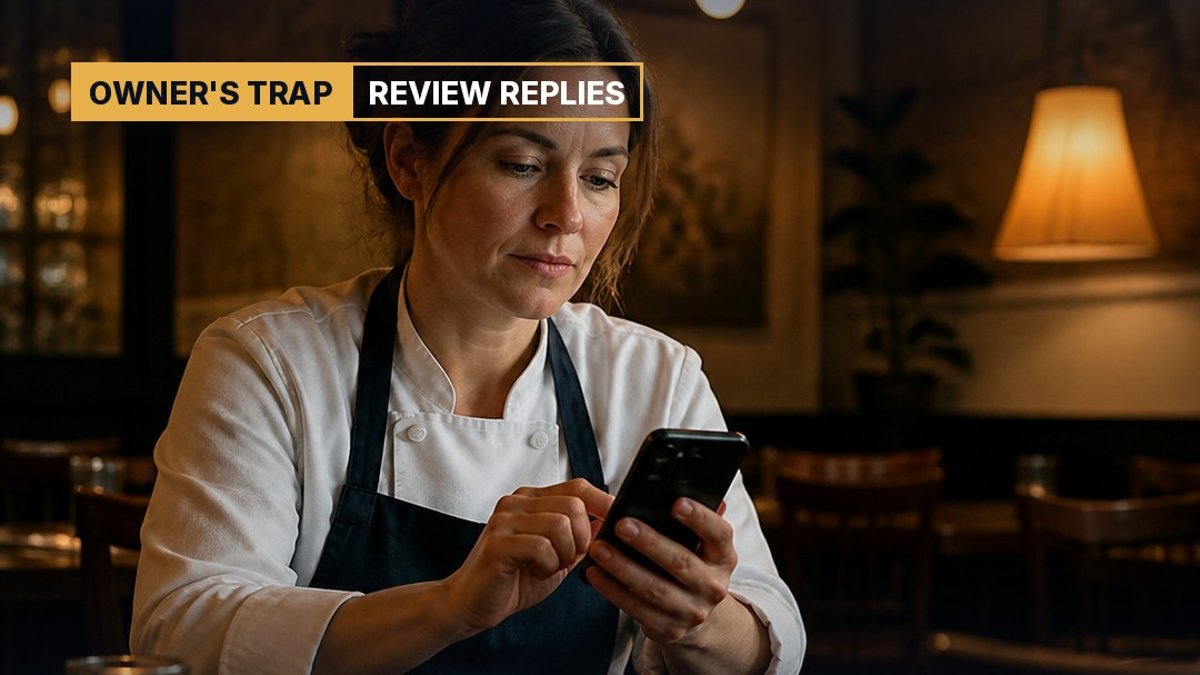

A customer leaves a two-star review about a long wait. The owner is busy, means to reply later and never does. A week later, a stranger who has never heard of the business searches on Google Maps, opens the profile, reads that review and the silence under it, and taps the next listing. Nobody on the team ever learns that the sale was lost.
This is why knowing how to respond to Google reviews matters more than most owners think. Your replies are not private notes to one unhappy person. They are public sales messages, written once and read by every future customer who checks you out. This guide covers why replies work, a simple formula for good and bad reviews, the shortcuts that backfire, and a weekly routine you can keep.
How to Respond to Google Reviews: The Short Answer
Reply to every review, quickly, in your own words, and write for the next reader as much as for the reviewer. For a happy customer, thank them for something specific. For an unhappy one, acknowledge the problem, say what you changed and offer to fix it offline. Keep it calm, short and human.
That is the whole method. The rest of this article explains why it works and how to do it well when you are tired, annoyed or busy.
Who Actually Reads Your Review Replies
The person who wrote the review may read your reply once. The people who read it many times over are your future customers. When someone compares three local businesses on Google Maps, they skim the stars, then open the reviews, and many scroll straight to the bad ones to see what can go wrong.
What they find under those reviews tells them how you behave when something goes wrong. Silence suggests nobody is paying attention. An angry reply suggests you will argue with them too. A calm, specific reply suggests the opposite: if there is a problem, someone will fix it.
Google itself frames replies this way. Its Business Profile help page on managing reviews notes that replies are posted publicly under the review as the business, and that helpful replies show customers you are responsive.
Why It Works: The Service Recovery Effect
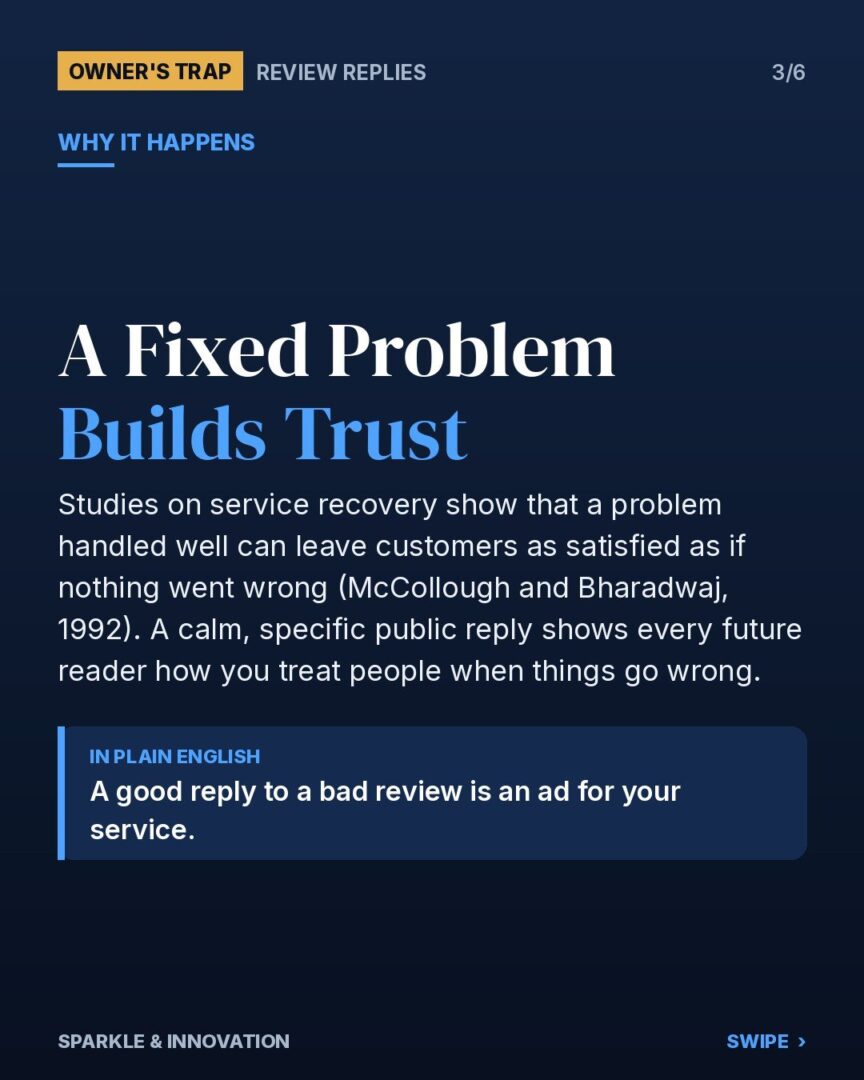
Marketing research has a name for this: service recovery. Studies on how customers react after a problem is handled well found that good recovery can leave them about as satisfied as if nothing had gone wrong (McCollough and Bharadwaj, 1992). Later researchers debated how often the effect is strong, but the direction is consistent. How you handle the problem shapes the memory more than the problem itself.
Online reviews add a second audience. The reviewer sees a fix. Every later reader sees proof. That is a social proof signal you did not have to pay for, and it sits right where buying decisions get made.
- Silence reads as indifference.
- Defensiveness reads as risk.
- A specific, calm fix reads as trust.
How to Reply to a Negative Google Review
Use a four-part structure. It keeps you from arguing and makes the reply useful to the next reader.
- Thank and acknowledge. “Thanks for telling us, and sorry the wait on Saturday was so long.”
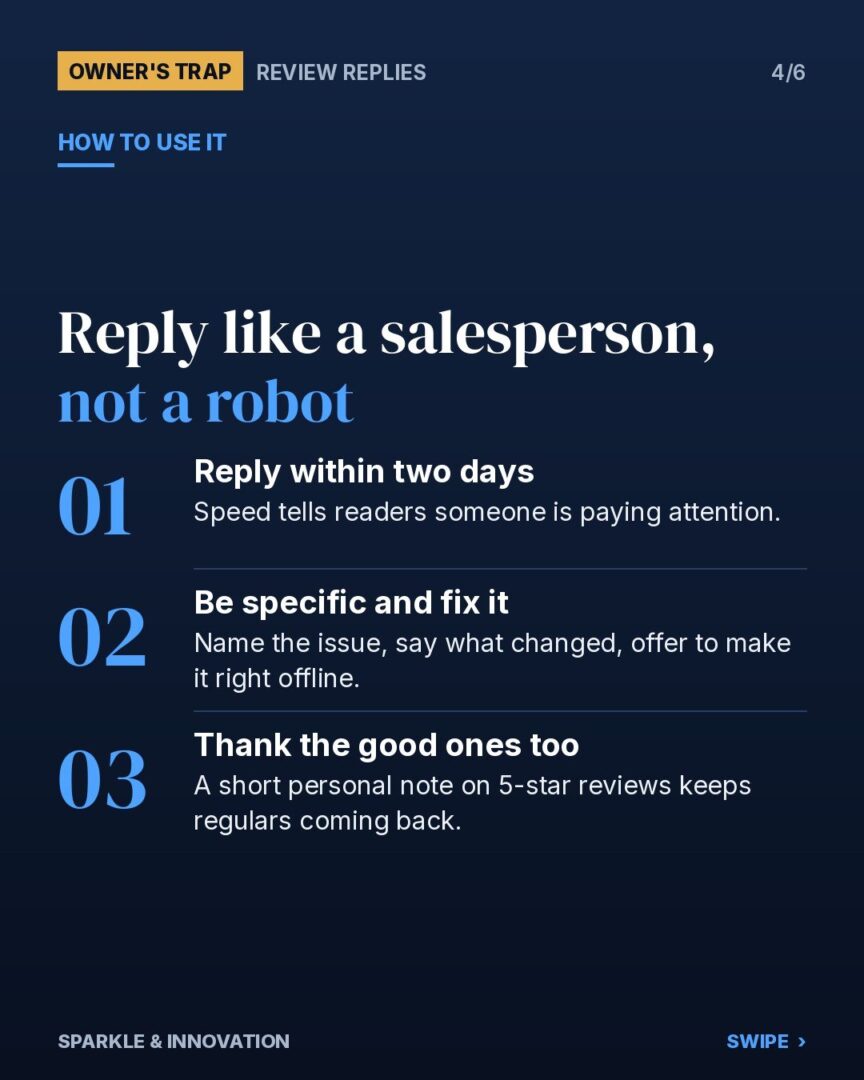
- Be specific. Name the actual issue. Specific replies show a human read the review.
- Say what changed. “We have added a second technician on Saturdays.” Only say this if it is true.
- Move it offline. “I’d like to make this right. Please call me directly at the shop.” Do not share customer details in public.
Keep it to three to five sentences. Write it, wait ten minutes, then reread it as if you were a stranger deciding whether to book. If it sounds defensive, cut that line.
Illustrative example (not a real client): a family dental clinic in Burnaby gets a review saying the front desk was rude. The owner replies the next morning, thanks the patient, says the team reviewed the call, explains a new check-in process and invites the patient to contact the practice manager by name. The original star rating does not change. What changes is what the next twenty readers think of the clinic.
How to Reply to a Positive Google Review
Owners often skip happy reviews because they feel there is nothing to fix. That is a missed chance. A short, personal reply rewards the customer, encourages them to come back and shows readers that real people run the business.
- Thank them by name if they used it.
- Mention one detail from their review: the dish, the technician, the result.
- Invite them back with something specific, not a sales pitch.
Avoid stuffing keywords into replies. A reply full of “best plumber in Burnaby” phrases reads like spam to people, and it is not a reliable ranking trick. Write naturally. Relevance comes from a complete profile and real activity, which we cover in our guide to Map Engine Optimization (MEO) for local businesses.
How Fast Should You Reply?
Aim for within two business days. Speed tells readers someone is watching the shop. It also catches problems while the customer still cares enough to give you a second chance.
Note that replies may not appear right away. Google checks replies against its content policies first, which usually takes minutes but can take longer. Write the reply once, well, and do not post duplicates if it does not show up immediately.
The Catch: When Review Replies Backfire
Once owners see that replies affect sales, the temptation is to game the system. These are the shortcuts that backfire.
- Copy-paste replies. “Thank you for your feedback, we value all our customers” under every review tells readers no one is reading. It is worse than a short real reply.
- Arguing in public. Even when the reviewer is wrong, a point-by-point rebuttal makes you look like the problem. Correct facts briefly and politely, then move offline.
- Paying or pressuring for deletions. Offering discounts to remove a bad review, or rewards in exchange for five stars, crosses into incentivized reviews.
- Fake good reviews. Google’s Maps content policy prohibits fake and incentivized reviews, and Google can remove them and restrict profiles that use them. Customers who spot them stop trusting all of your reviews, including the real ones.
Why it backfires: trust built on reviews only works because readers believe the reviews are honest. Fake signals spend that trust. Once a reader catches one, every reply and every star on your profile becomes suspect.
The honest version is simpler and lasts longer: ask real customers for reviews, reply to all of them in your own words, and let a few imperfect ones stand. A profile with a 4.6 rating and thoughtful replies often looks more believable than a wall of perfect fives.
A Weekly Review-Reply Routine
You do not need software or an agency to do this well. You need fifteen minutes a week.
- Monday: open your Google Business Profile and reply to every new review, unhappy ones first.
- Once a month: scan the last 30 days for patterns. If three reviews mention parking or wait times, that is an operations problem, not a marketing one.
- After a good job: ask the customer for a review while the experience is fresh. A short link by text or email works. For more on asking without being pushy, see our guide to designing a referral program.
The routine compounds. Each reply stays on your profile for years, quietly answering the question every new customer has: what happens if something goes wrong?
Review Replies and Customer Retention
Replies do not only win new customers. They keep existing ones. A customer who complained and got a fair response is often more loyal than one who never had a problem, because they have seen how you behave under pressure. Keeping a customer usually costs far less than finding a new one, a point we unpack in customer retention vs acquisition cost.
Key Takeaway
Every review reply is a public sales message. Write it for the next customer, not just the last one: fast, specific, calm and honest. Skip the shortcuts, fix the patterns the reviews reveal, and your profile will sell for you while you work.
Want a Second Pair of Eyes on Your Google Profile?
If you are not sure what your reviews and replies say about your business, we can look at them with you. Send us a message with the word “AUDIT” on Instagram, or contact us here, and we will send you a link to book a free 15-minute marketing audit.
Marketing starts with understanding the human brain. – Sparkle & Innovation